
Something good is already on.
USBTV turns the videos you already own into custom TV channels, with a real program guide. Tune in, flip channels, and catch a show halfway through.
For Android phones and tablets, Android TV, Google TV and Amazon Fire TV.
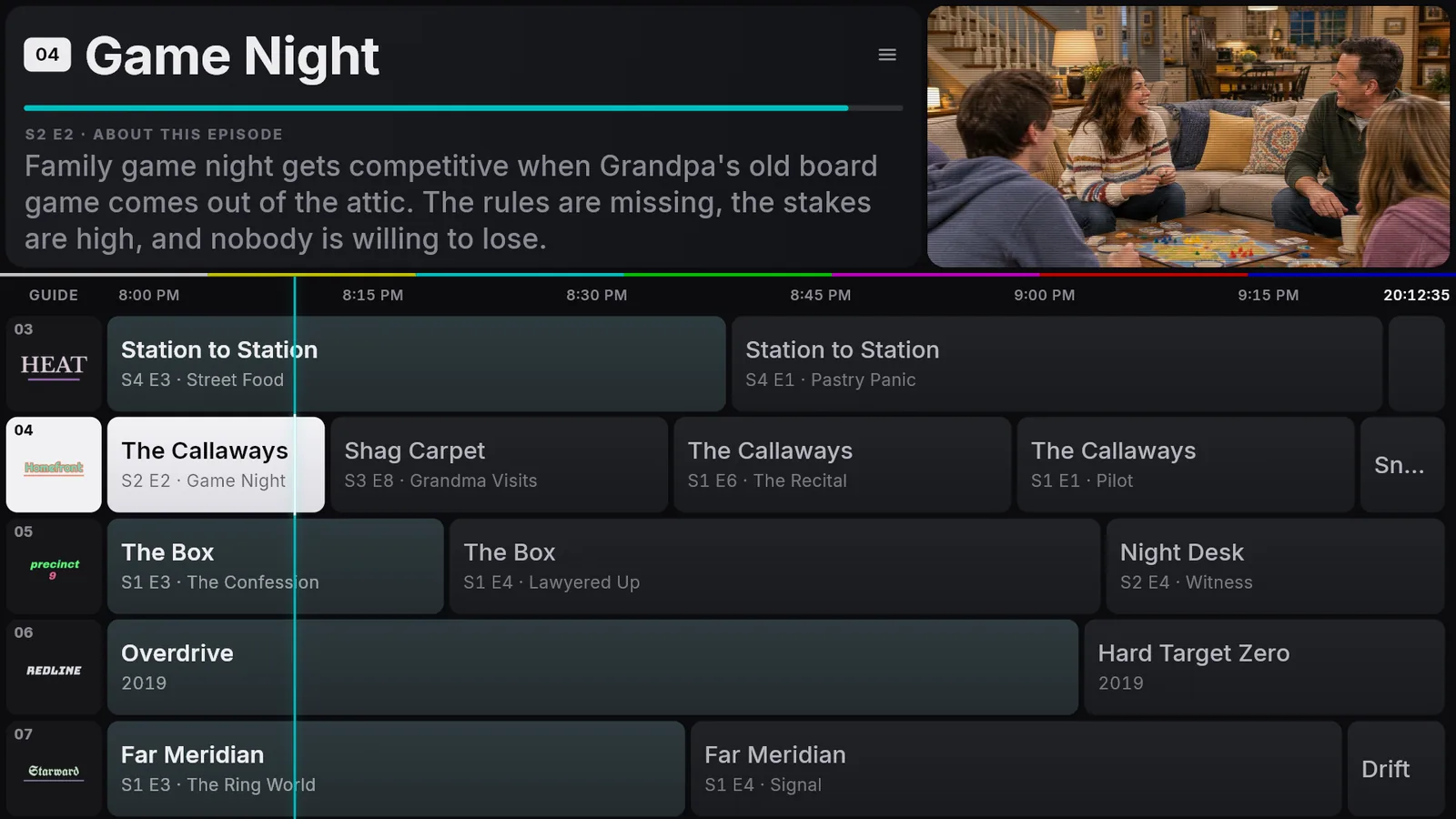
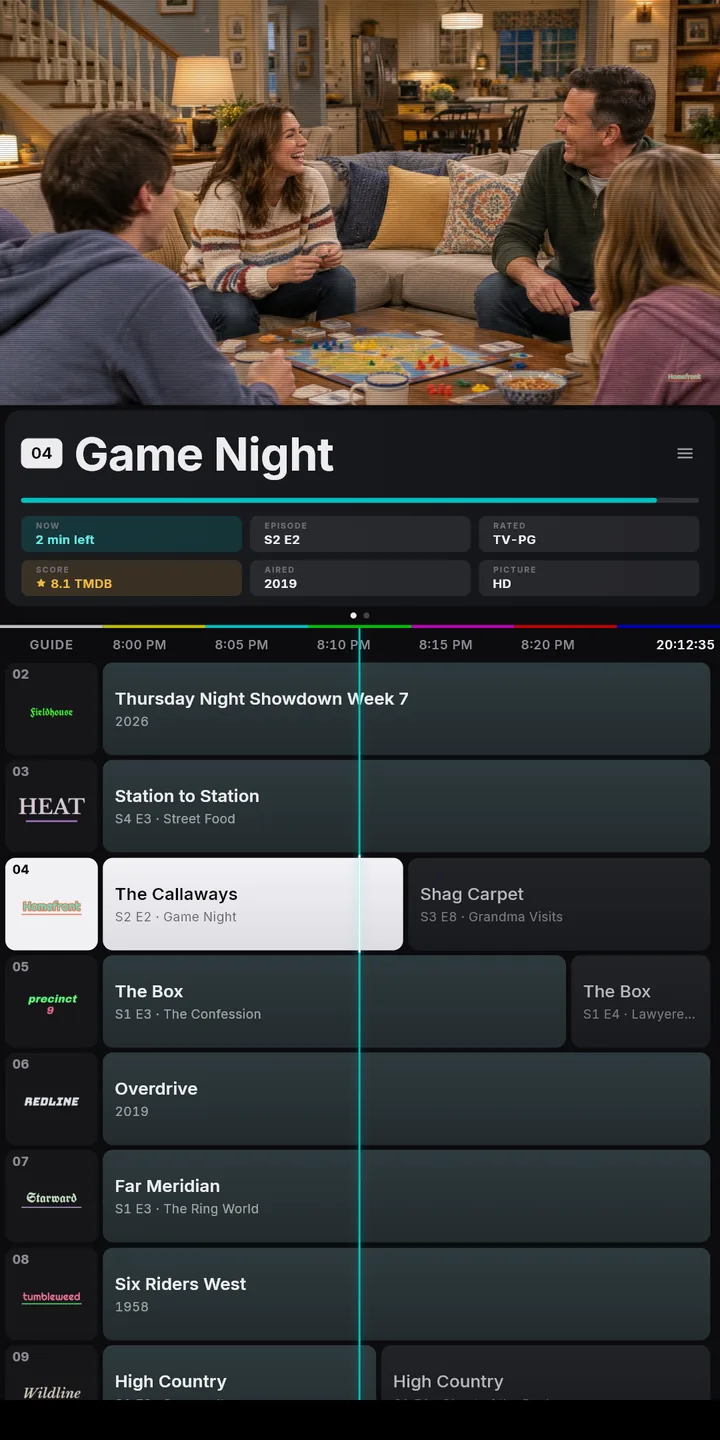
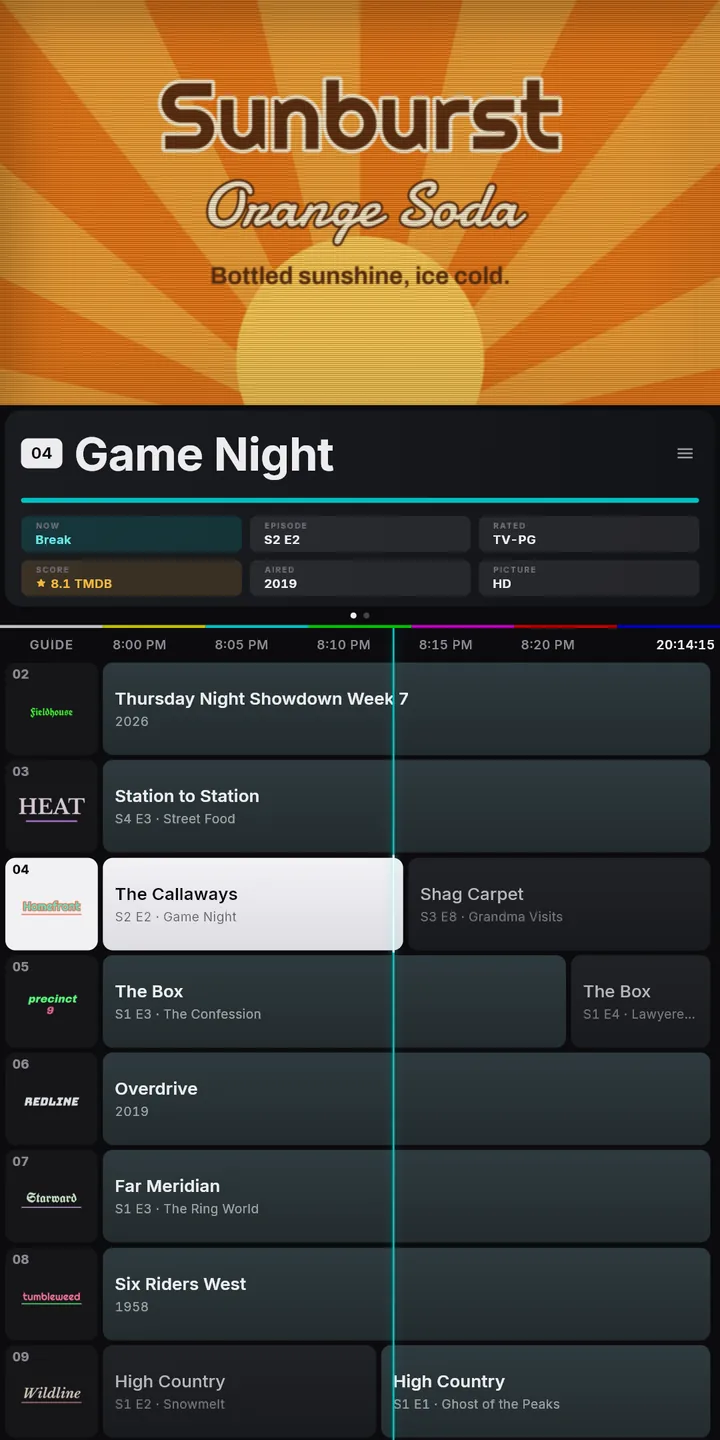
Flip channels like it's cable.
Every show folder becomes a channel, and every channel keeps a broadcast schedule that runs whether you're watching or not. Swipe or use your remote to surf, and see what's on next in the guide.
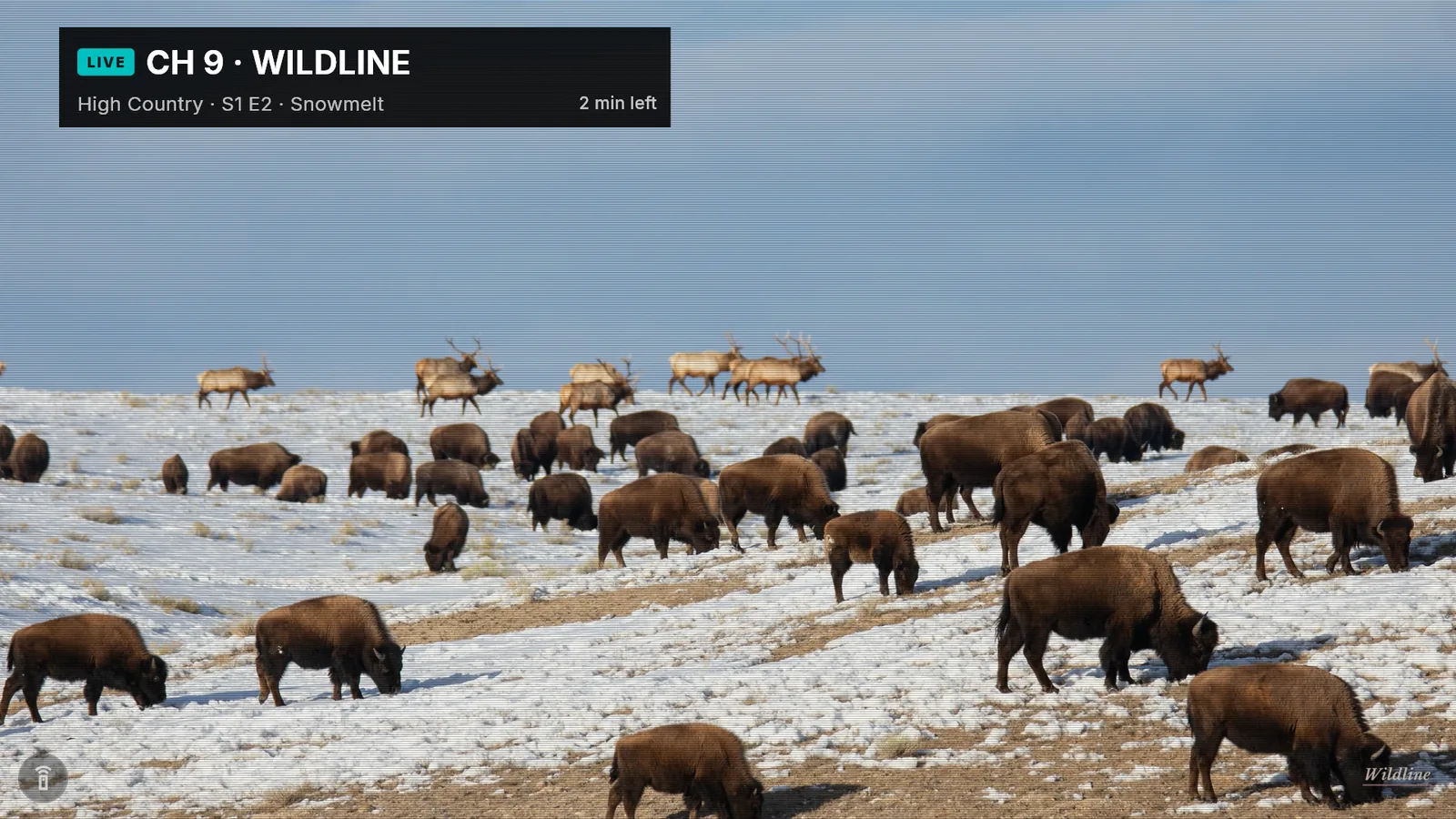
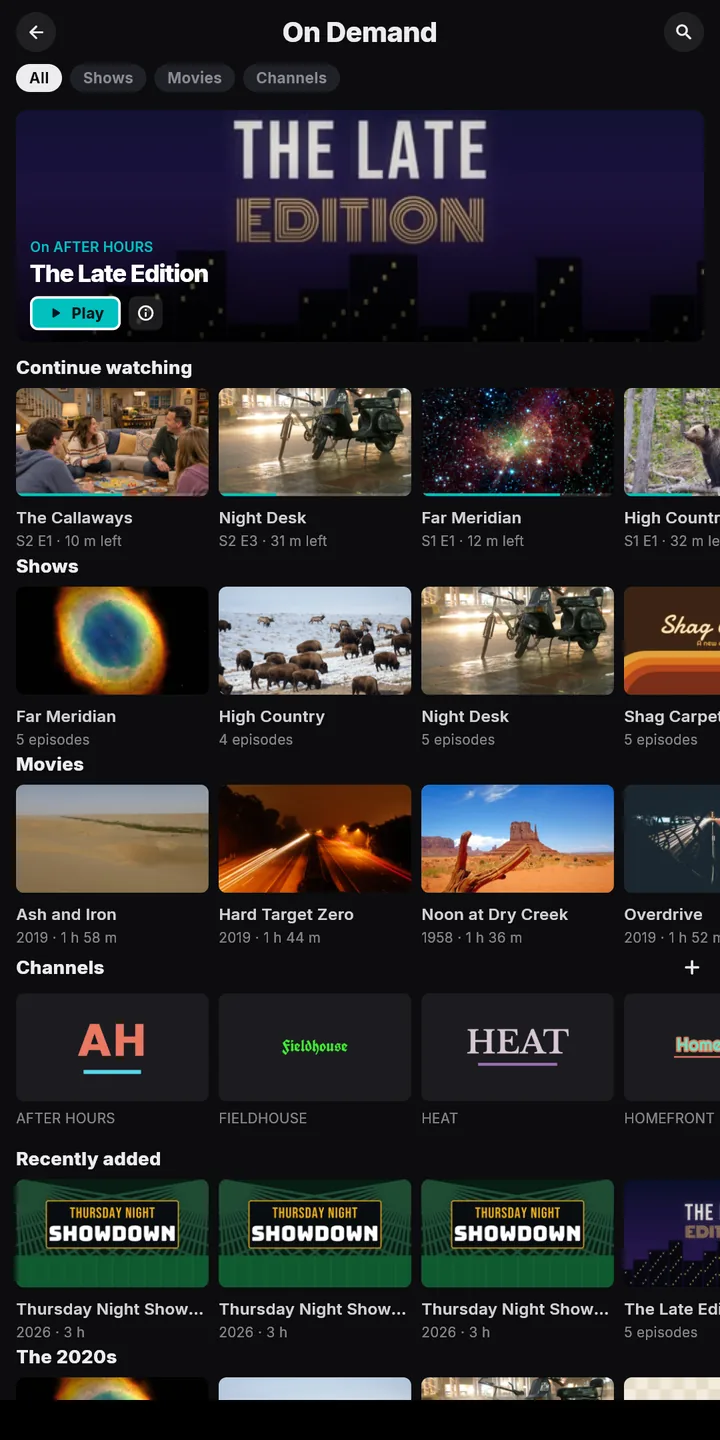
Live when you want to flip. On Demand when you know what you want.
Browse every show and movie in your library and play any episode from the start. Pick up where you left off, Plex and Jellyfin included.
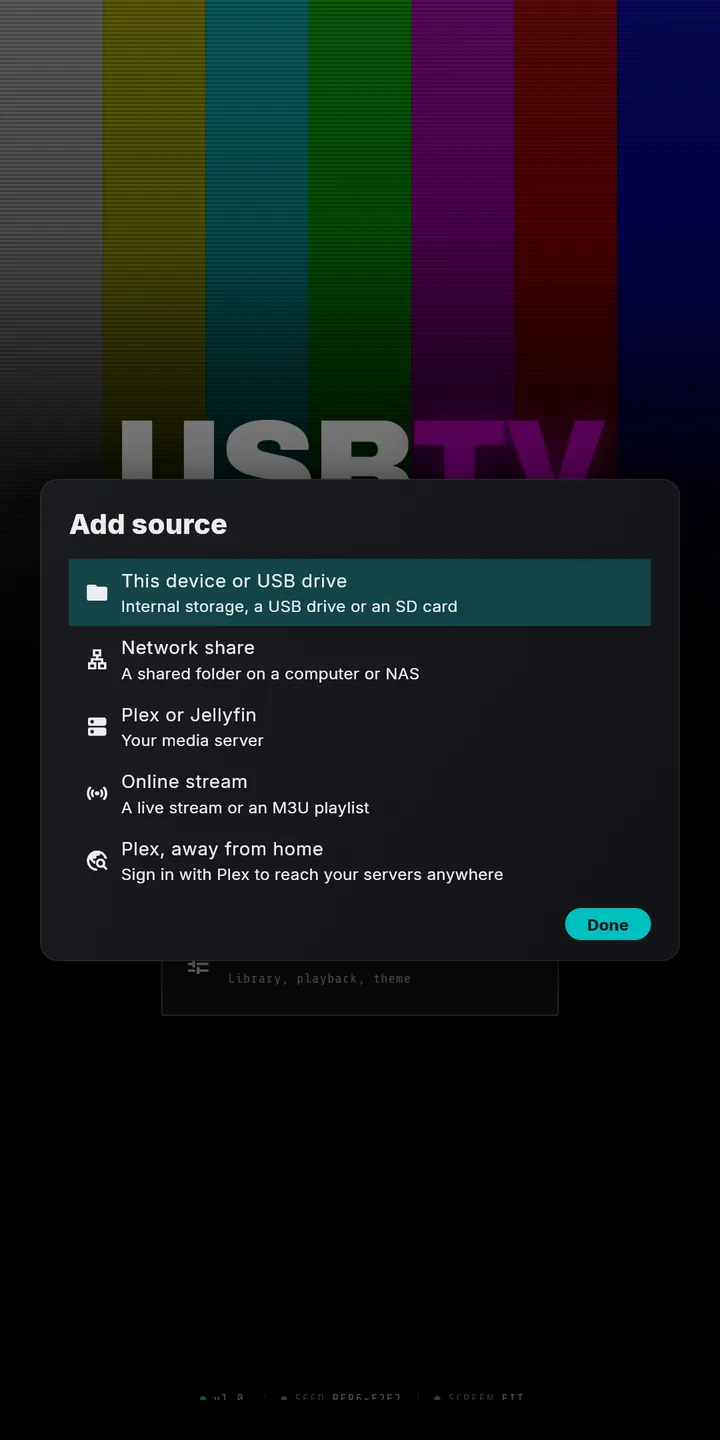
Your library, wherever it lives.
- Folders on your device, USB drives and SD cards (no server needed)
- Network shares on a computer or NAS
- Plex Media Server and Jellyfin (your artwork and episode details come along)
- Your own M3U and IPTV playlists (live channels beside yours in the guide)
- Downloads for offline viewing when you travel
USBTV doesn't include or stream any shows, movies or channels. Bring your own library, and add only streams you have the right to watch.
Commercials from the show's own year.
Drop clips in a channel's Commercials or Bumpers folder and they air between episodes, matched to the era of the show. Holiday episodes air more often in season.
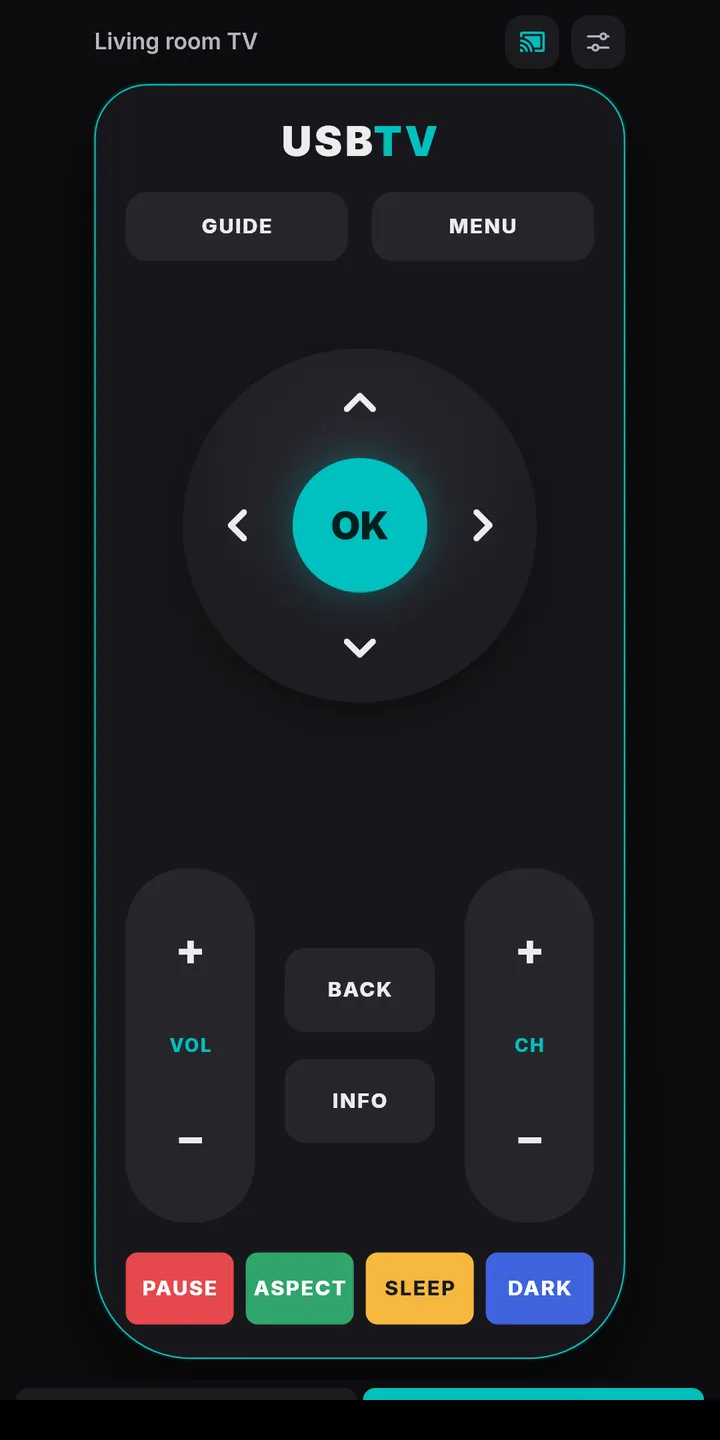
Put it on the big screen.
Cast to a Chromecast or a TV with Google Cast built in. The guide and banners come with it, and your phone becomes the remote. Or install USBTV right on Android TV, Google TV or Fire TV and use the remote you have.
Pick your era.
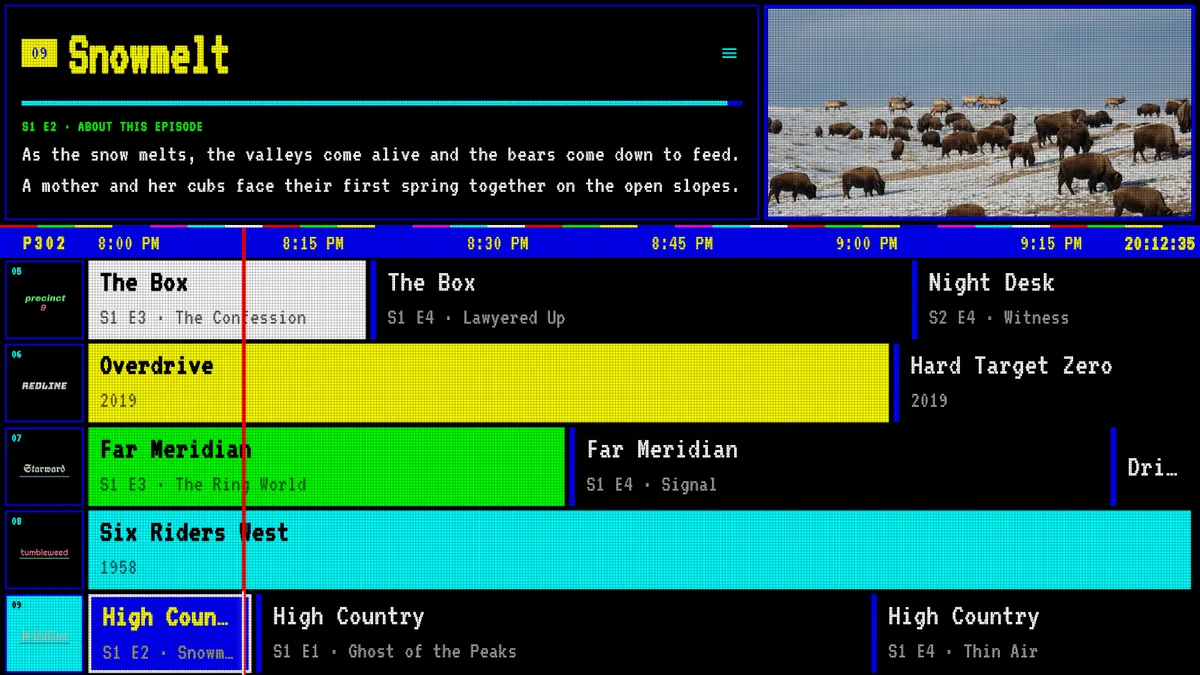
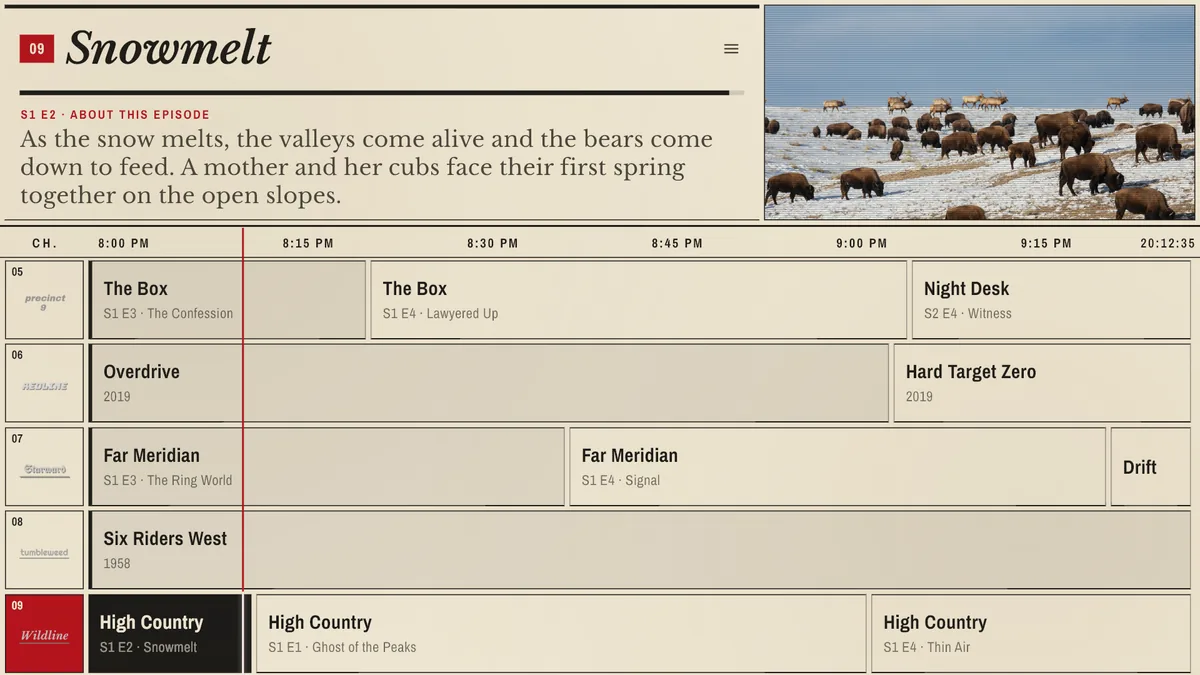
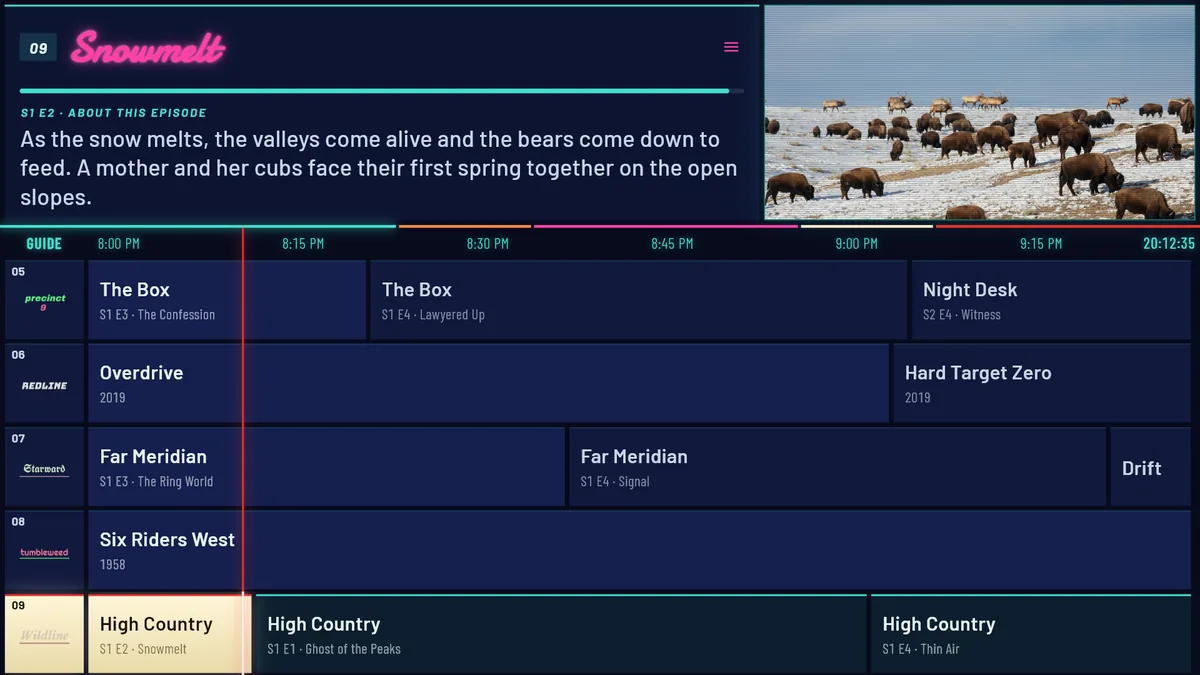
Five complete themes, each restyling the whole app, from the sign-on screen to the guide.
Try it free.
USBTV
Your first 4 channels in the classic USBTV theme.
USBTV+
Every channel in your library and all 5 themes. One purchase, yours for good. No subscription.
Your videos play straight from your own devices and servers. Nothing is uploaded.
Your library, on the air.
Need something to plug into your TV? See what runs USBTV.
Questions? Write to [email protected].